
WorkBuddy Setup Guide
Website: https://www.workbuddy.cn (click to download)
WorkBuddy is Tencent Cloud's desktop agent: give it a task in one sentence, and it breaks the task down, reads and writes local files, and delivers documents / spreadsheets / slides. Once connected to LLMoxy, it uses gateway models and no longer consumes WorkBuddy's built-in credits.
Before you start, get an LLMoxy token. The auto group is recommended.
Install and sign in
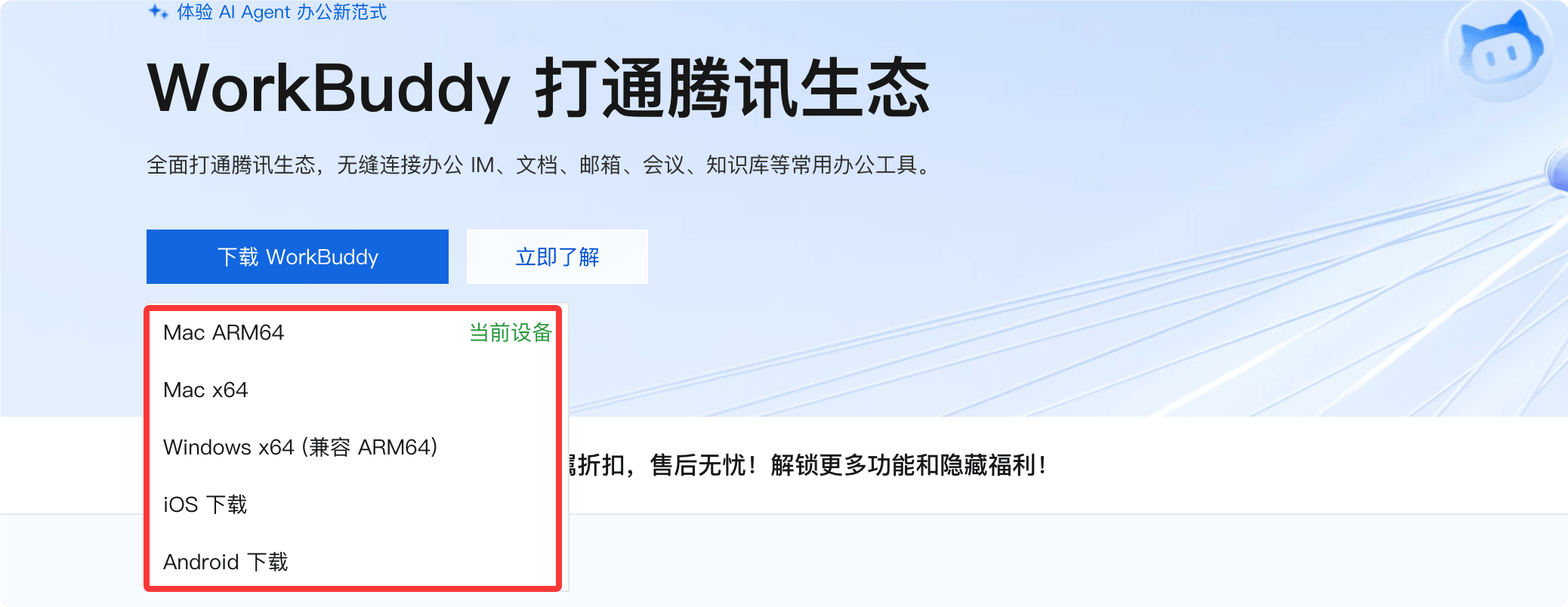
- Download the installer for your system from the official website (Windows 10+ or macOS 12+; choose ARM64 for Apple Silicon).
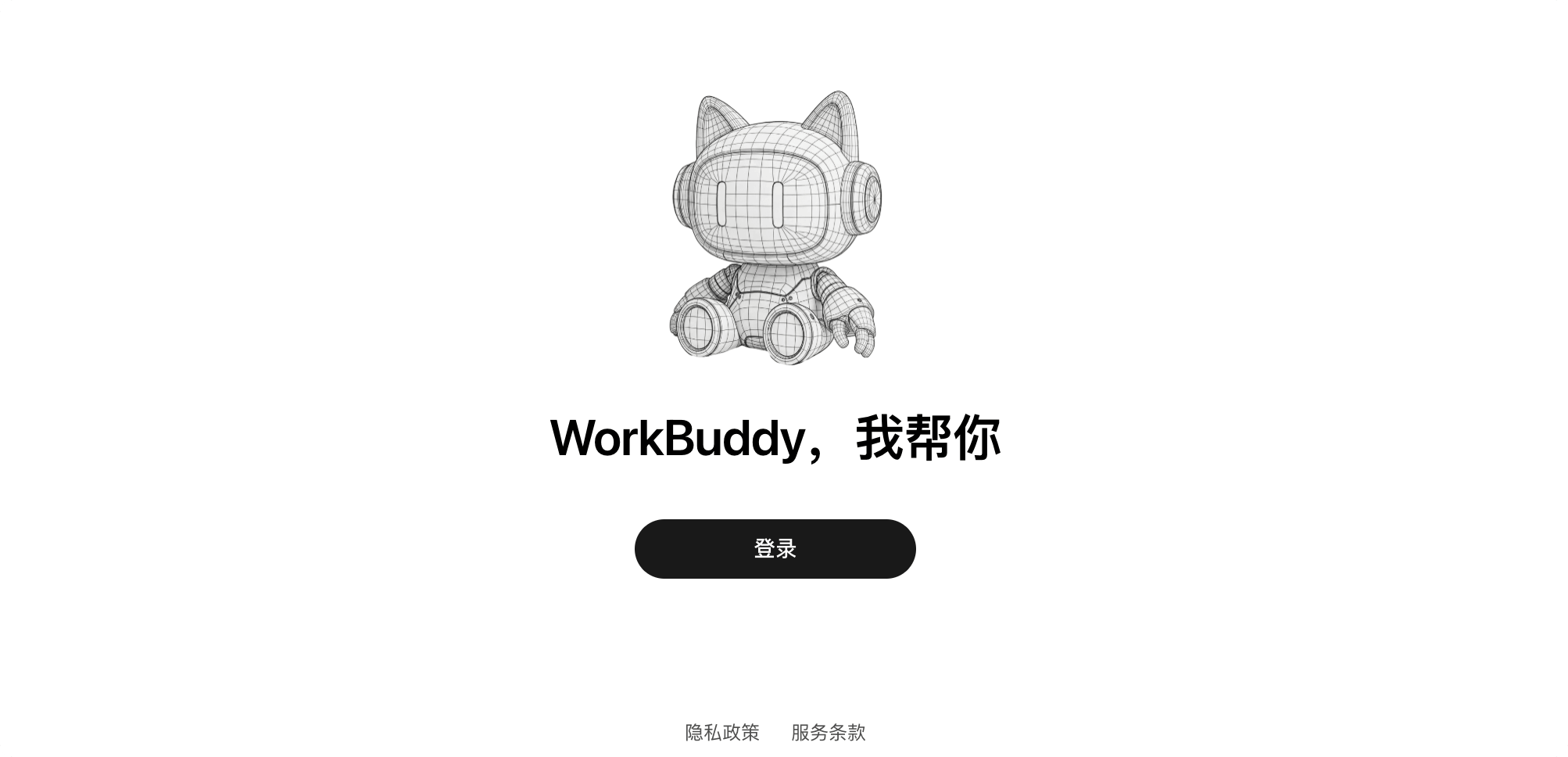
- Launch it after installing and sign in by scanning the WeChat QR code (phone number, QQ, and Tencent Cloud accounts are also supported).
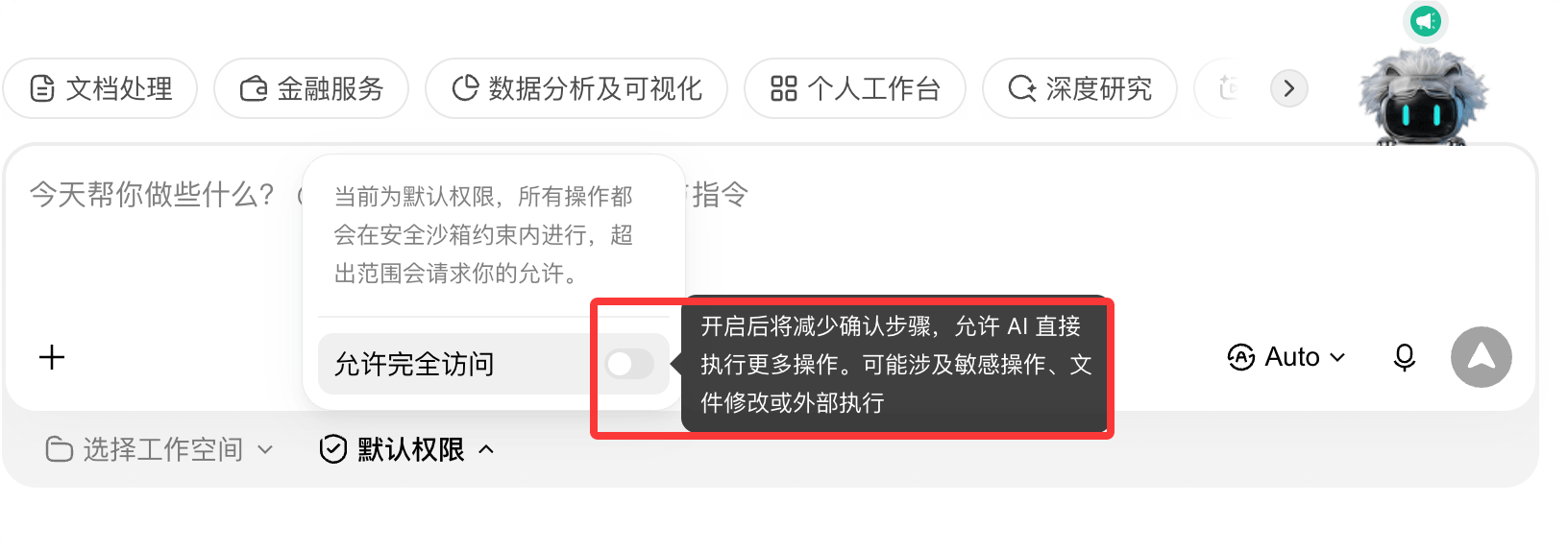
- Grant access to a working directory when prompted. Only authorize the folders you need, such as Desktop, Documents, and Downloads. Don't authorize the whole disk.
Connect to LLMoxy
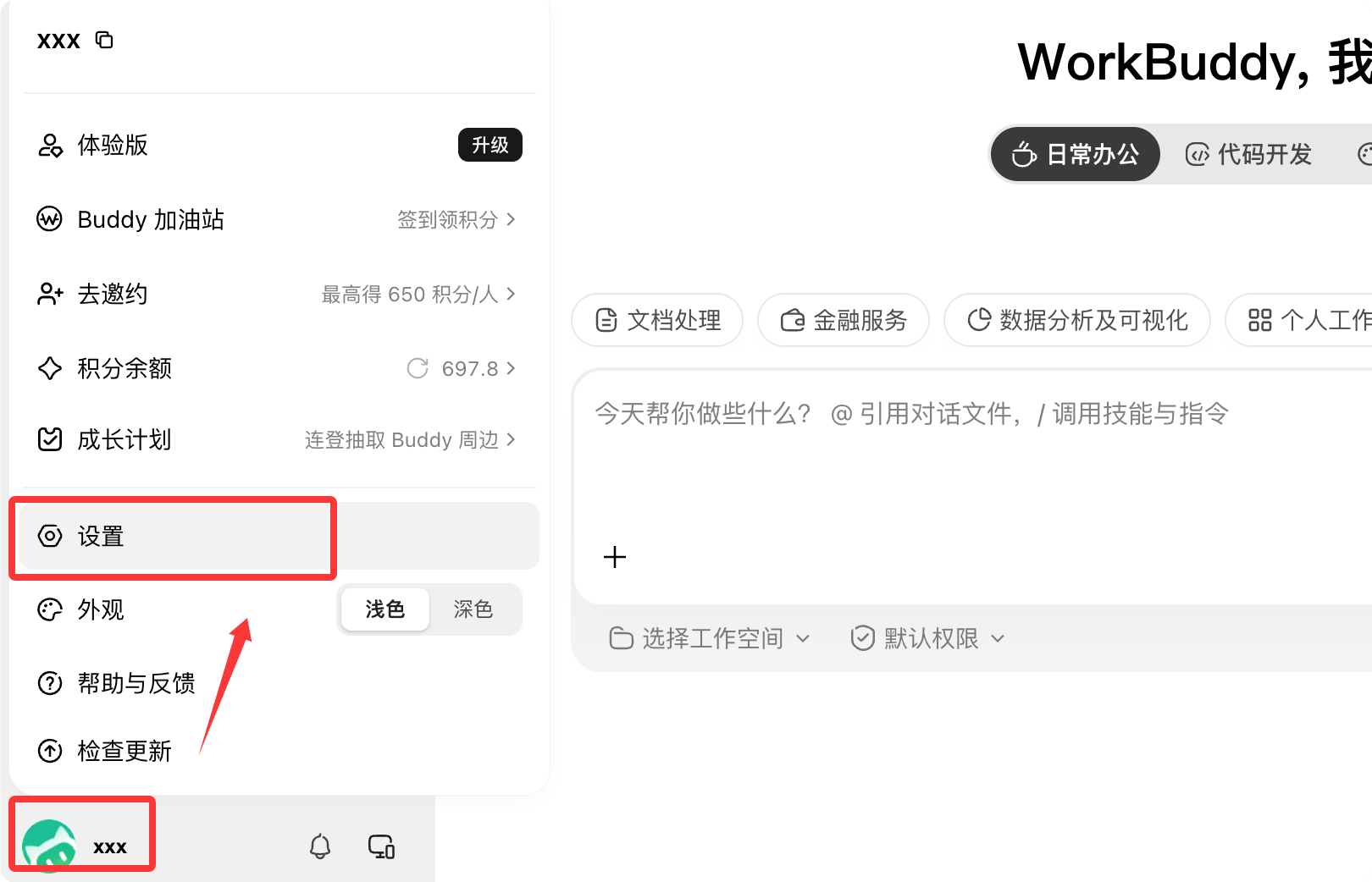
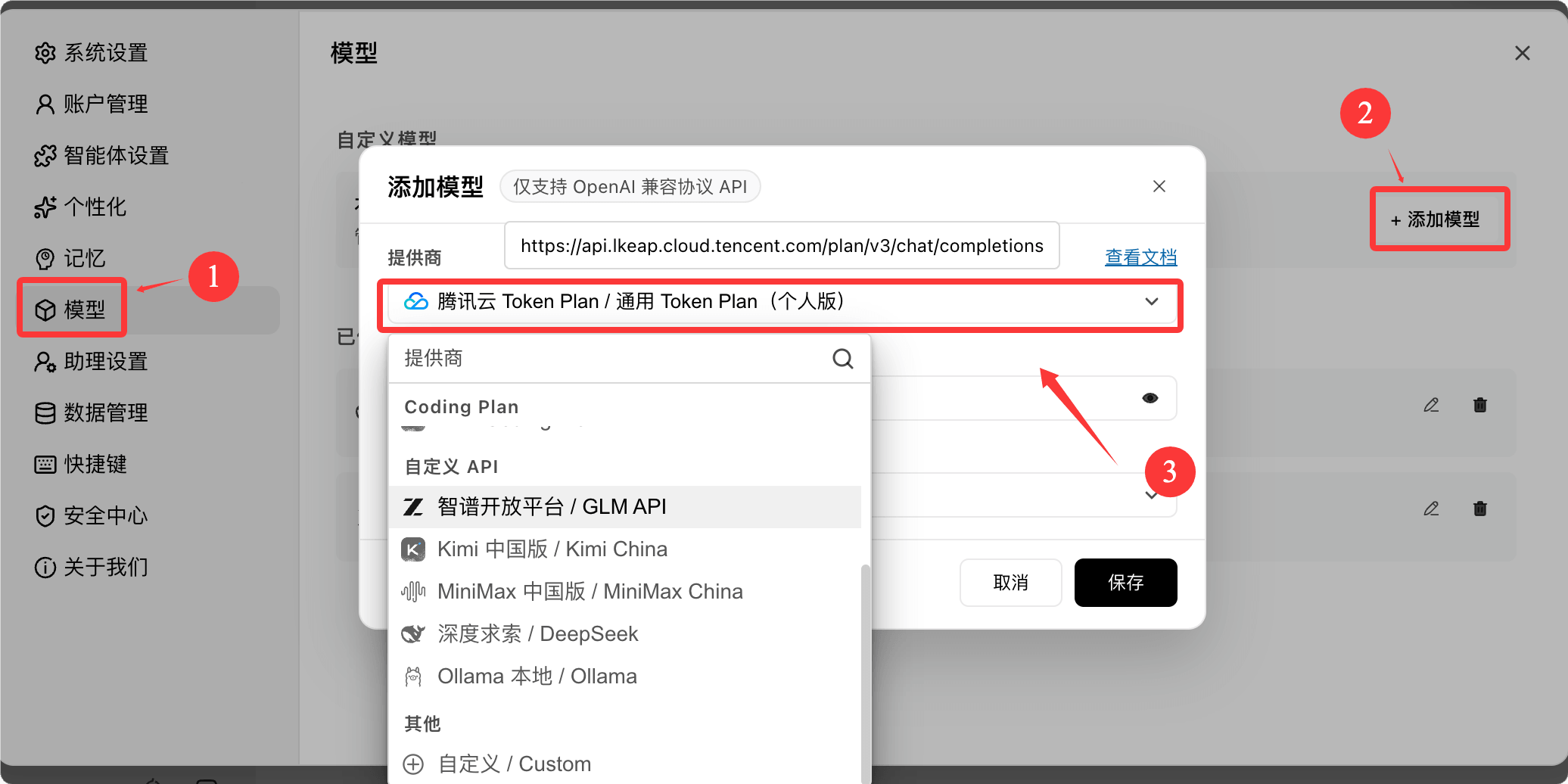
- Click the avatar at the bottom left and open Settings.
- Choose Models on the left and click + Add Model in the top right.
- In the provider dropdown, scroll to "Other" and choose Custom.
- Fill in the fields below, save, and check to enable the model in the model list.
| Field | Value |
|---|---|
| Provider | Custom |
| API URL | https://llmoxy.com/v1 |
| API Key | The token copied from the LLMoxy console |
| Model name | The exact ID from the Model Marketplace, for example grok-4.7, claude-opus-5-5 |
💡 Tip Enter the API URL only up to
/v1; WorkBuddy appends/chat/completionsautomatically. If requests fail, turn on Custom protocol in the advanced settings and change the URL tohttps://llmoxy.com/v1/chat/completions.
Get to work
The main screen has three areas: the task list on the left, the conversation in the middle, and the outputs on the right.
- Click New task and choose a workspace.
- Describe your request clearly in one go: goal + input files + output format + constraints.
- Choose a mode that fits the task, then send.
| Mode | What it does | When to use |
|---|---|---|
| Ask | Reads only, changes nothing | Research, analyzing documents |
| Plan | Proposes a plan first, then changes files after you confirm | Complex or high-risk tasks |
| Craft | Executes directly and produces files | The goal is already clear |
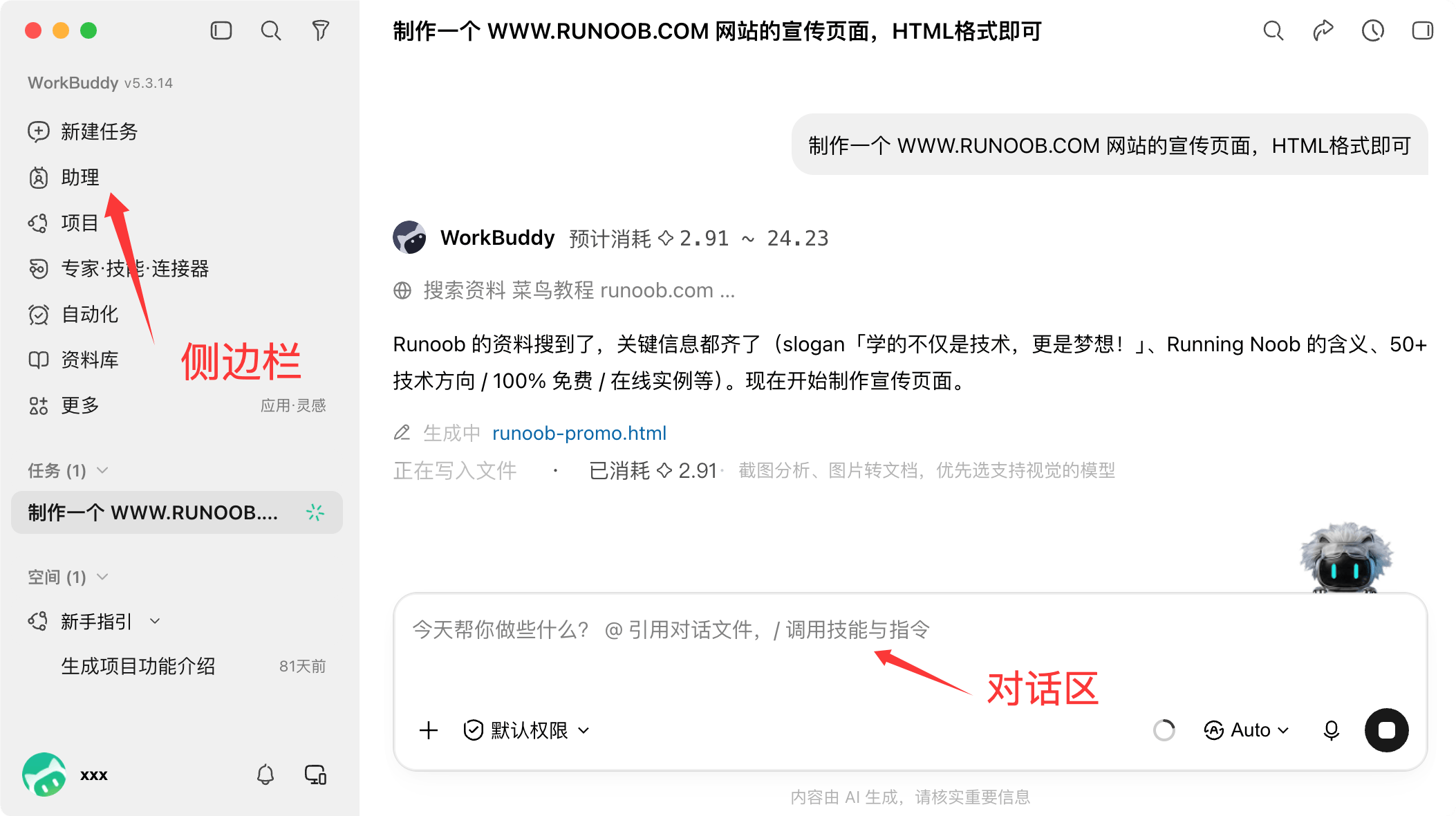
Example request:
Read "Sales Data.xlsx" on the desktop, summarize sales by region for each month, generate a bar chart, and output a new Excel file.If you're not satisfied, follow up in the same conversation; there's no need to start a new task.
FAQ
Credits are still deducted after I filled in the custom model After saving, you must check to enable it in the model list and select the model you just added in the task.
The API returns 404
Make sure the URL is https://llmoxy.com/v1. Don't leave out /v1, and don't enter only the domain. The /v1/chat/completions in the example is only entered as a full path when "Custom protocol" is on.
Wrong model name Copy the full ID from the model list in the LLMoxy console. The case must match exactly.
Can it see all the files on my computer? No. It can only access the folders you authorize, and sensitive system directories are blocked.