
Trae Setup Guide
Website: https://www.trae.cn (China) · https://www.trae.ai (International)
Trae (pronounced /treɪ/) is ByteDance's AI IDE, built on VS Code, with Chat and Builder included. Besides the built-in models, you can use a custom configuration to send requests to LLMoxy.
Before you start, get an LLMoxy token. The auto group is recommended.
Install
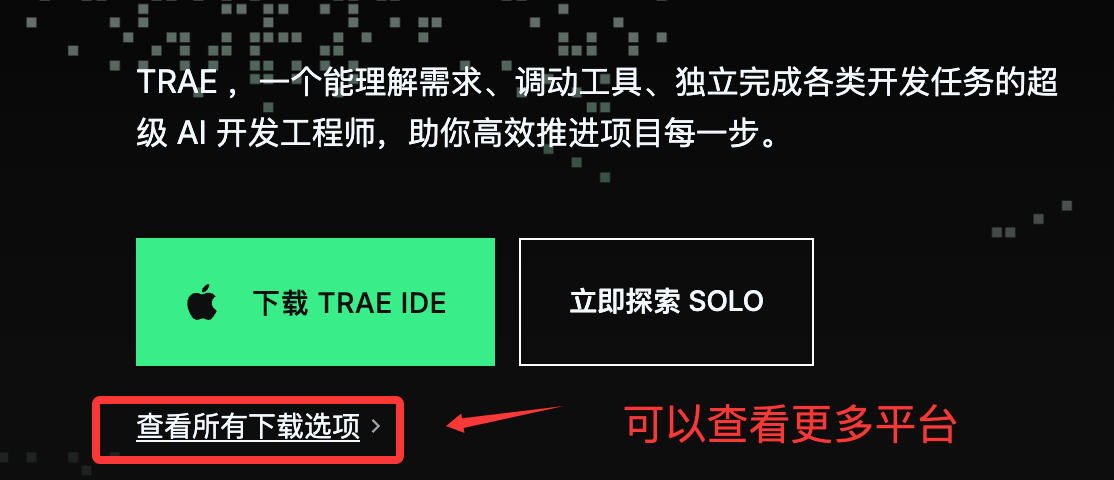
- Open the official website and download the
.exeor.dmgfor your system (choose ARM for Apple Silicon). - On first launch, pick a theme and your language.
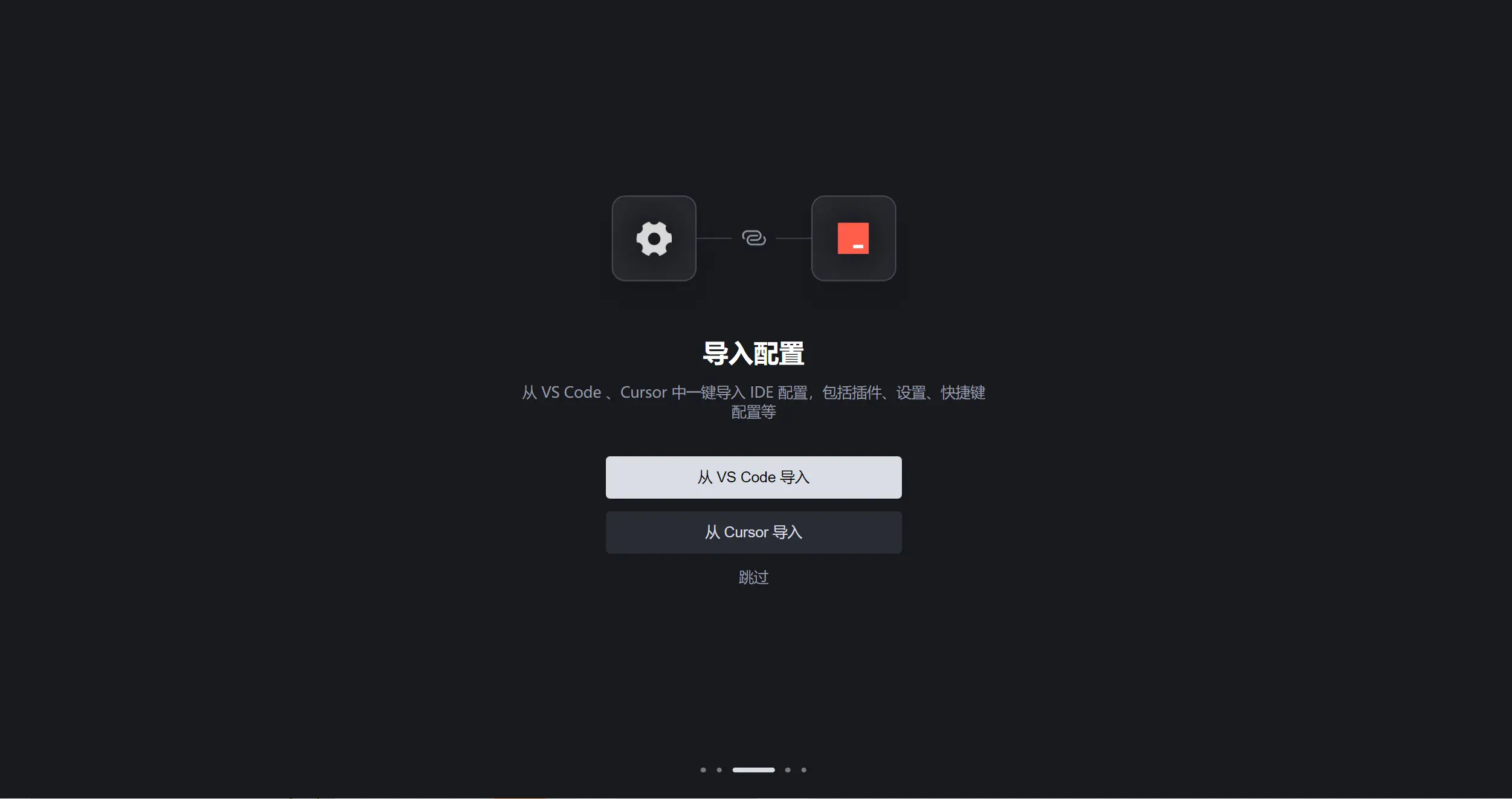
- Optional: import extensions, keyboard shortcuts, and settings from VS Code or Cursor.
- We recommend installing the
traecommand-line tool so you can open the current directory withtrae ..
Connect to LLMoxy
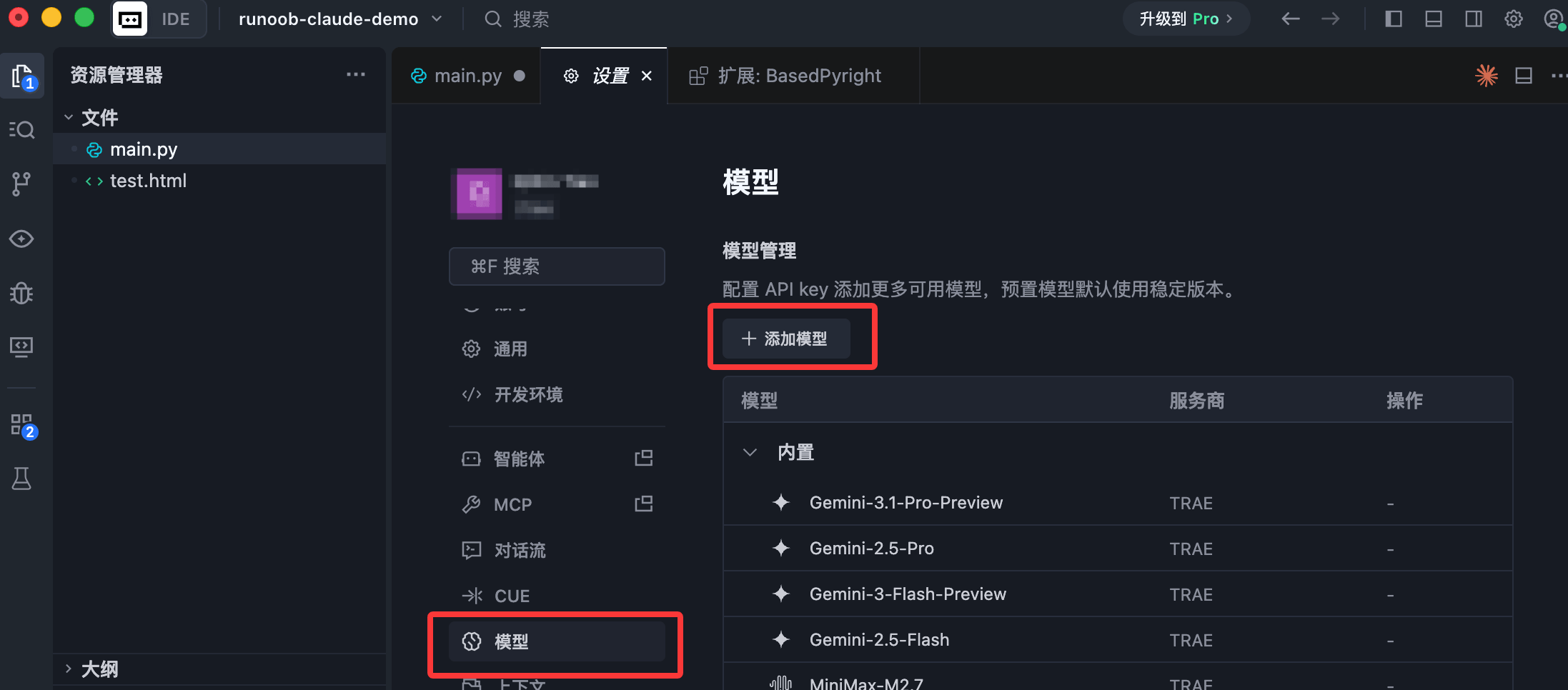
- Open Settings → Models.
- Click Add Model.
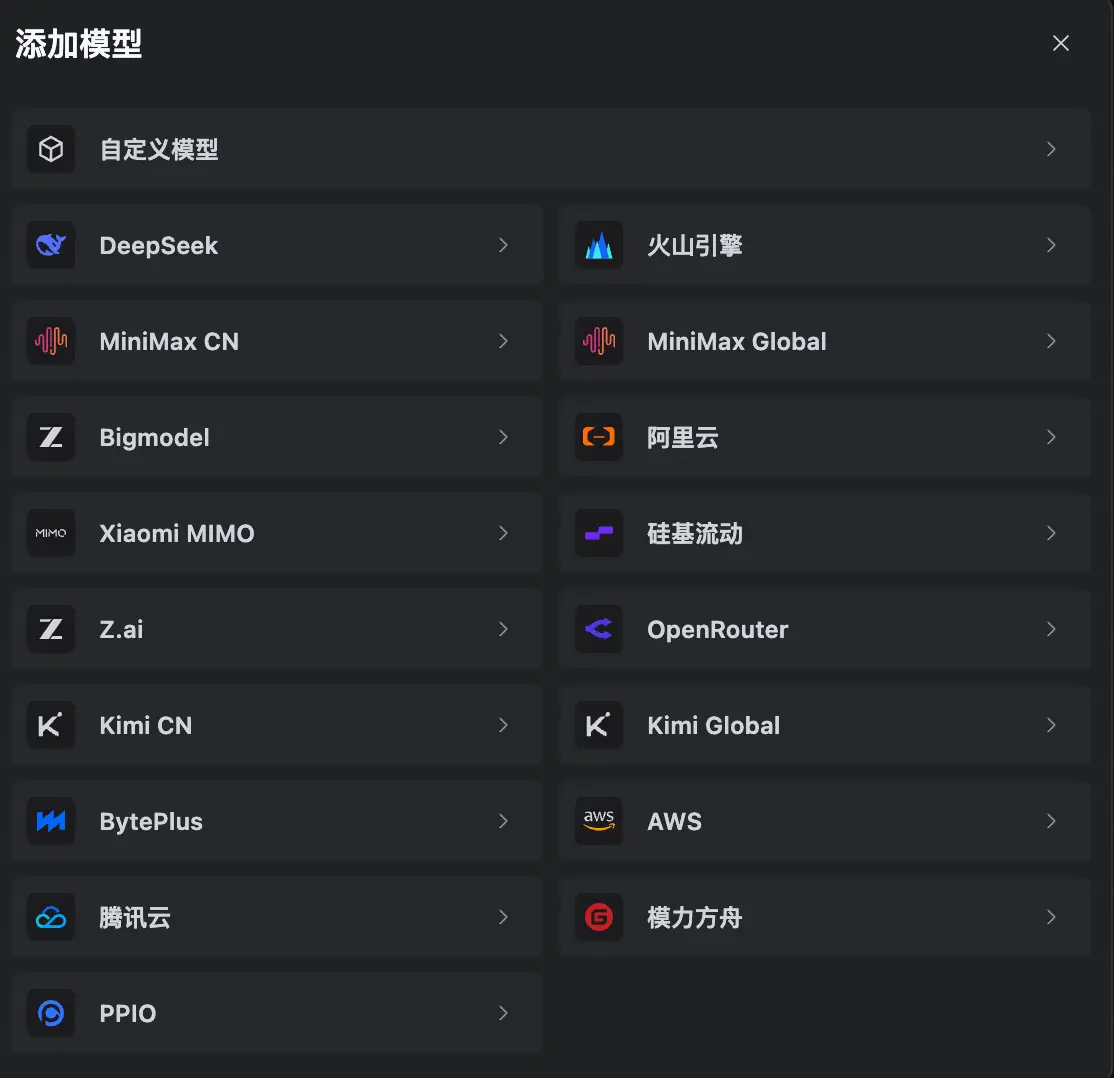
- Choose Custom Model at the top (not a preset vendor such as DeepSeek or Alibaba Cloud).
- Fill in the fields below and click Add. Trae first checks whether the key is valid.
OpenAI-compatible (recommended; GPT / Gemini / most models):
| Field | Value |
|---|---|
| API format | OpenAI Chat Completions |
| Custom request URL | https://llmoxy.com/v1 |
| Full URL | Off |
| Model ID | For example grok-4.7 |
| API key | LLMoxy token |
Anthropic-compatible (Claude models):
| Field | Value |
|---|---|
| API format | Anthropic Messages |
| Custom request URL | https://llmoxy.com |
| Full URL | Off |
| Model ID | For example claude-opus-5-5, claude-fable-5-2 |
| API key | LLMoxy token |
💡 Tip "Full URL" is off by default. When you turn it on, you must enter the complete path, for example
https://llmoxy.com/v1/chat/completions. For GPT-5 / GPT-6, we recommend choosing the matching "model series" in the advanced settings so Trae adjusts the request fields automatically.
After it's added, turn off Auto at the bottom right of the chat input box and pick the model you just added from the list.
How to use
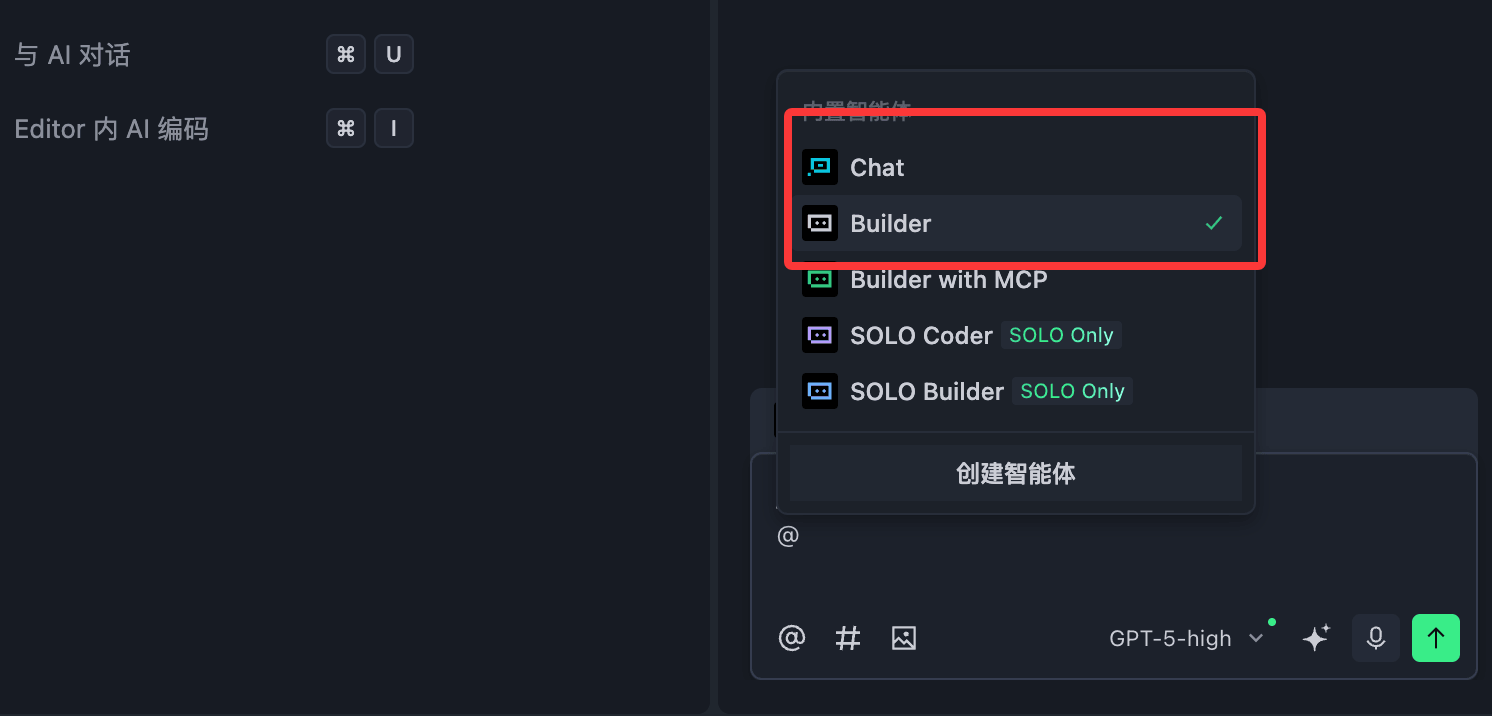
The AI panel is on the right:
- Chat: explain code, find bugs, and ask questions with context via
@filename. - Builder: build a project from scratch in natural language. It creates files, installs dependencies, and runs a preview.
| Action | macOS | Windows |
|---|---|---|
| Accept changes in the current file | Command + Enter | Ctrl + Enter |
| Reject changes in the current file | Command + Backspace | Ctrl + Backspace |
| Inline chat | Command + I | Ctrl + I |
VS Code extensions are also supported. If you prefer Cline, see the Trae Cline Plugin Tutorial.
FAQ
The custom request URL stays red
First make sure "Full URL" is off and the URL is https://llmoxy.com/v1 (OpenAI) or https://llmoxy.com (Anthropic). Don't append /chat/completions to the base URL.
Key check fails Check that the token has no spaces, the group is auto, and the model ID matches the console exactly.
Builder reports a terminal error on Windows Go to Settings → Terminal profile and choose PowerShell 6 or later.